

Signal Protocol
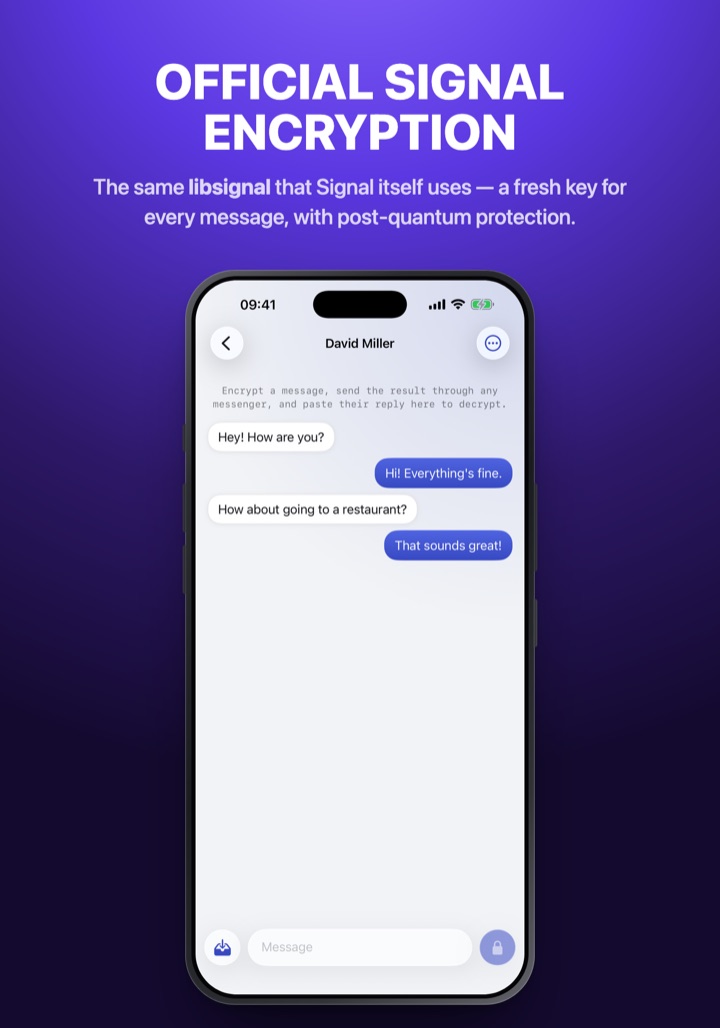
Signal’s own libsignal (PQXDH + Double Ratchet): a fresh key for every message, post-quantum key agreement.
Your messages become secret code that only your friend can read — in any messenger, even SMS.
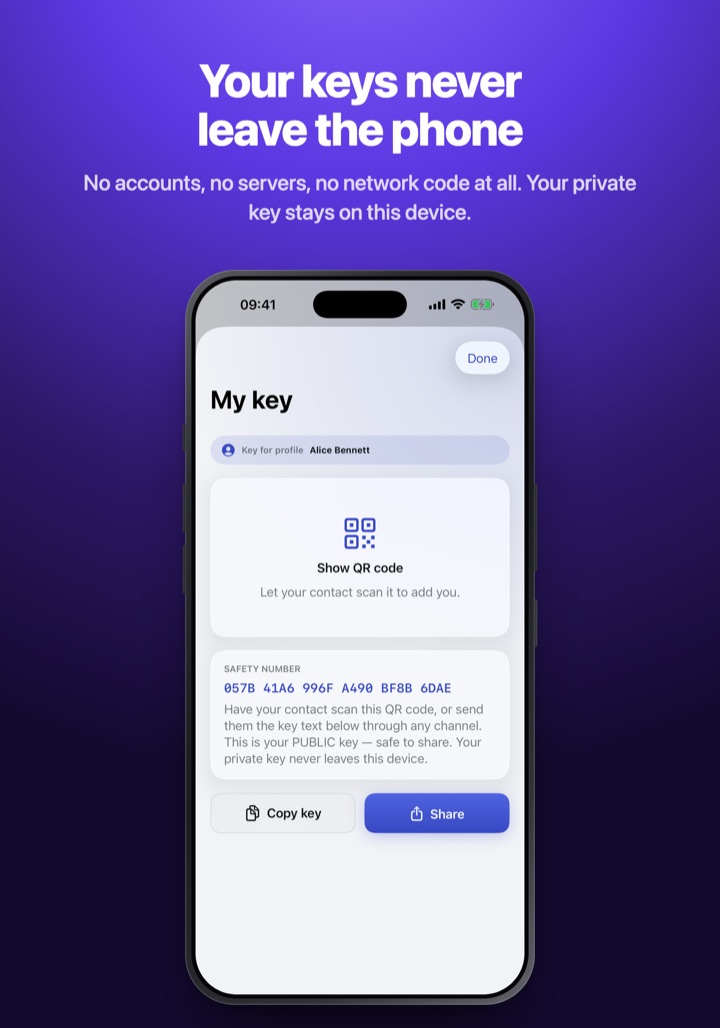
No accounts, no servers, no setup — just you, your friend, and keys that never leave your phones.
iOS: sign the .ipa with your own certificate (e.g. Feather). Android: allow installs from unknown sources.
.ipa 2f4b3a67648a6bc9013d26b9b02b3406d4b69aee18d2f4e6d4605100484c93ff
.apk 3dca6e93f6bbd4823ff3f3074cab21f978f11b33f210055f8b3ab2d49ecf3d35
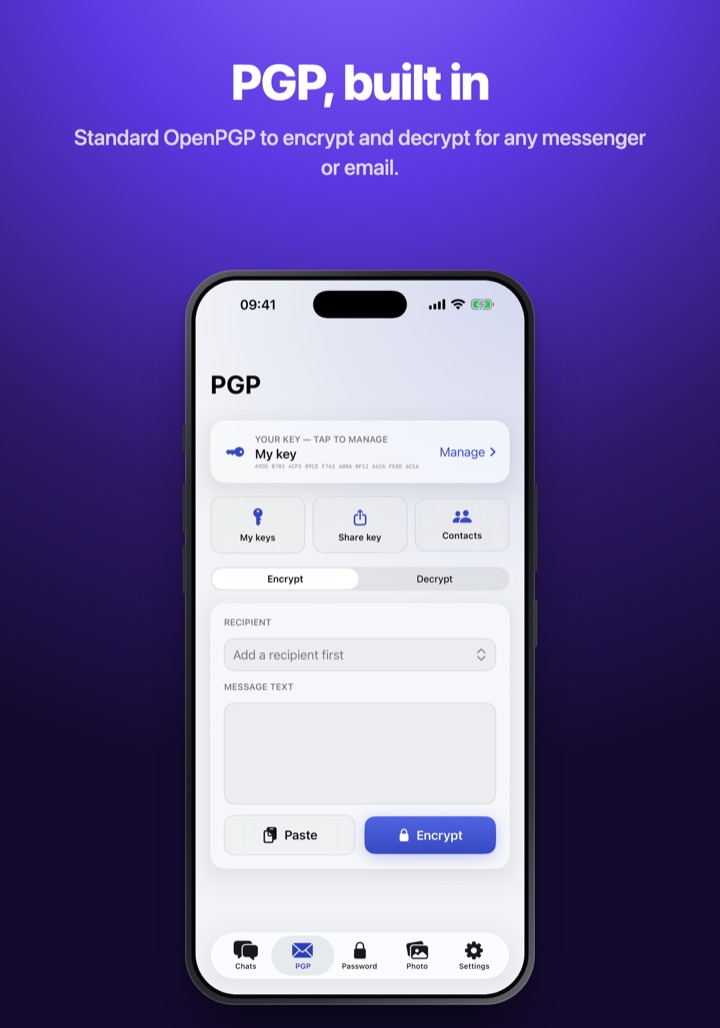
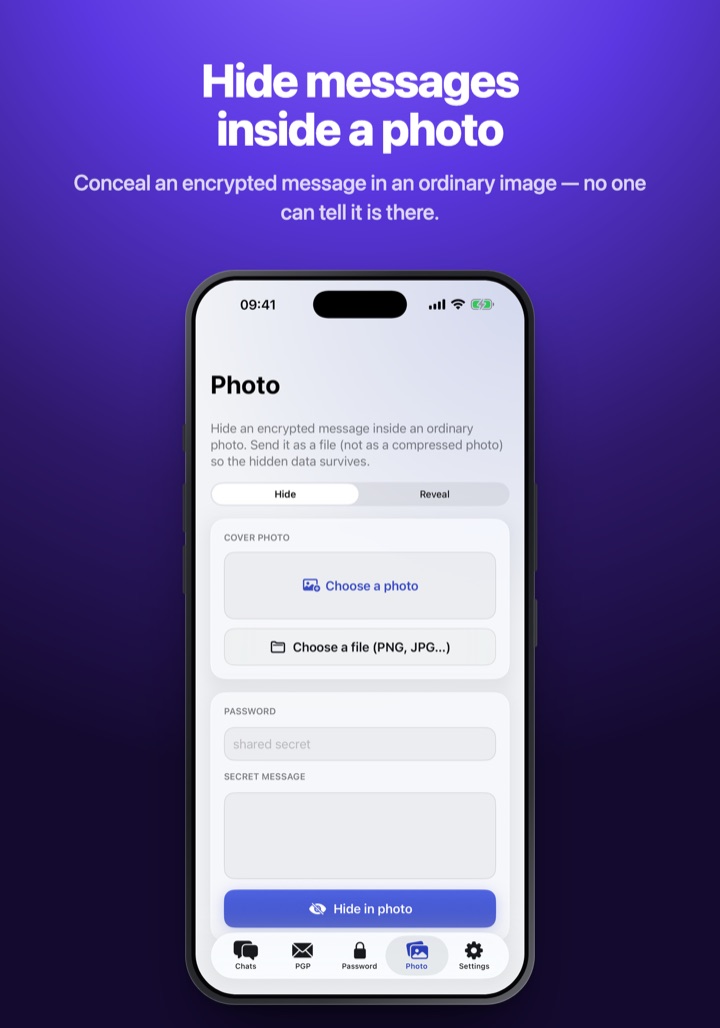
Five screens — from a Signal-encrypted chat to hiding a message inside an ordinary photo.
Type a message in Kryptos or straight on its keyboard — one tap turns it into code.
Paste the code into any chat: WhatsApp, Telegram, iMessage, SMS. To everyone else it's just random characters.
Your friend's Kryptos shows the real text right over the code — or decrypts it in the keyboard or with one tap in the app.
Signal’s own libsignal (PQXDH + Double Ratchet): a fresh key for every message, post-quantum key agreement.
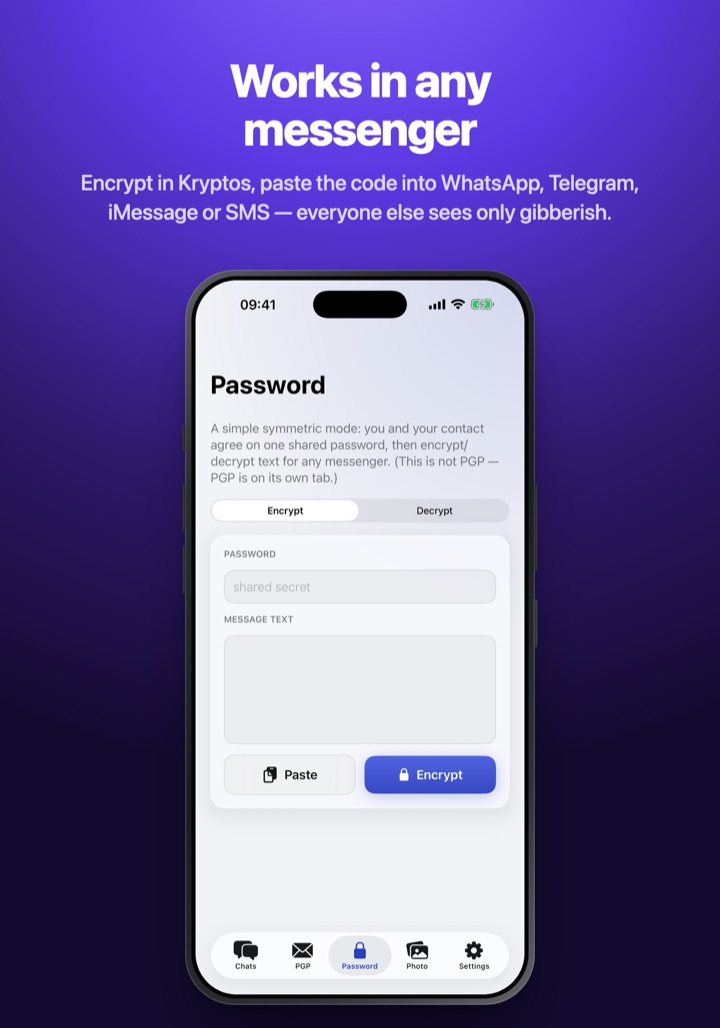
Encrypt in Kryptos, paste the code into WhatsApp, Telegram, iMessage or SMS — the messenger only ever sees ciphertext.
No networking code at all. Keys are generated on-device and stay in the Keychain / Keystore.
On Android, Kryptos can spot its messages in any app and lay the decrypted text right on top of them — live, as you scroll the chat. It only works for your contacts and never while Kryptos is locked. On iOS, a copied message opens already decrypted.
Hide an encrypted message inside a photo, or disguise it as a run of ordinary words.
Encrypts and decrypts right in the text field of any app — no switching around.
Face ID / biometrics, content hidden in the app switcher, clipboard auto-clear.
A separate PIN that, instead of unlocking, instantly wipes all keys, chats and contacts (Android).
iOS 17 or later. The .ipa is unsigned — sign it with your own certificate (e.g. Feather).
Android 8.0 or later. Self-signed .apk — allow installs from unknown sources.
Not used. The app works fully offline.
Russian and English — follows the system language.